MENU
MENU
 MENU
MENU

 Call Us


Time to Change the Clocks Already?
It’s hard to believe but it’s already time to change our clocks because Daylight Saving Time is right around the corner. Daylight Saving Time was initially proposed to save energy and make better use of daylight. This year, the time change will take place at 2 a.m. on Sunday, November 6.
Cell Phone Friendly
As the saying goes, “spring ahead, fall back,” so we will be gaining an extra hour. To ensure that your cell phone will change with the times, Apple iPhone users can check the settings by selecting “Settings > General > Date & Time” and the “Set Automatically” function should be turned on – or green. For Android users, select “Settings > Date and Time” and ensure the “Automatic – Use network-provided values” is turned on and checked.
Cell Phone Friendly
Updating the Dash
One of the harder places to change the clock is in our cars. If you can’t remember from the previous time change, or if you have a new car, consider searching YouTube for quick and simple tutorials. They have video clips for every make and model of car with easy-to-follow directions that will go a lot faster than trying to find your owner’s manual.
Where There’s Smoke
Where There’s Smoke
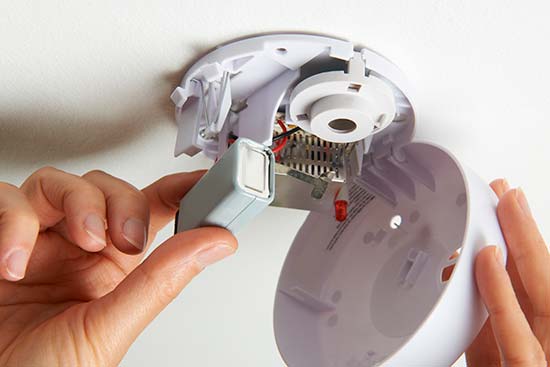
As you are winding back the clock on your oven, microwave and car, use this opportunity to test your smoke detectors and change the batteries. The U.S. Fire Administration recommends replacing the batteries in your smoke alarm at least once a year so the bi-annual time change is an excellent way to remember to test the device – simply push the “Test” button until the alarm sounds.
Also with the time change, it will be darker in the mornings for your drive to work so be cognizant of school children and neighbors walking. Daylight Saving Time might be a small inconvenience but with it comes cooler weather and the holiday season – just in time!